
How To Buy Bitcoin With Visa

You can buy Bitcoin with a Visa card in very little time. Buying Bitcoin through a broker’s site is one of the most direct methods, and you can pick the payment option that suits you using your Visa card.
Buying Bitcoin, or cryptocurrency in general, is straightforward thanks to the many sites that support this service through several payment methods such as Visa or Mastercard, or even PayPal.
If you want to buy Bitcoin and other cryptocurrencies online, there are several ways to do it through well-established trading platforms that operate worldwide (including support for buying Bitcoin in Egypt, Saudi Arabia, and most Arab countries). Examples include CoinMama and CEX.io, both of which are easy and smooth to use.
We’ll buy Bitcoin (BTC) using a bank transfer, a credit card, or a prepaid card, since these methods are reliable and fast.
Set Up an Electronic Wallet to Store Your Bitcoin
Privacy and security matter to anyone buying Bitcoin. Even though Bitcoin has no physical form, holding large amounts in one place is usually a bad idea. Anyone who obtains the private key to a public address on the blockchain can move funds and complete transactions. The private key obviously has to stay secret, and a hacker may try to steal private keys if they know a wallet holds a large balance. Keep in mind that anyone can see the balance of the public address you use, so it’s wise to keep your crypto in addresses that aren’t directly tied to your transactions.
If you plan to send or transfer Bitcoin after buying it, you’ll first need to create a Bitcoin wallet before you buy.
There is no one-size-fits-all wallet; wallets on different platforms come with different features.
Before we go through how to buy Bitcoin with a credit card, it’s worth taking this seriously. Cryptocurrencies have become an established part of the market. Bitcoin’s price is highly volatile — it once traded near $100 and has since reached around $62,000 — so treat any purchase as a high-risk decision.
Note: We suggest using the platforms listed below, or doing your own research before buying or selling on any exchange. Some exchanges simply try to steal your credit-card details. We research every exchange we list and are very careful not to include scam or fraudulent exchanges on our site.
Buy Bitcoin in Under 5 Minutes
Buying Bitcoin Through CoinMama
This section shows you how to buy Bitcoin using the CoinMama platform.
Open an account for Bitcoin on CoinMama
Once you’ve created your account on the official site and verified your email address, you can start following these steps:
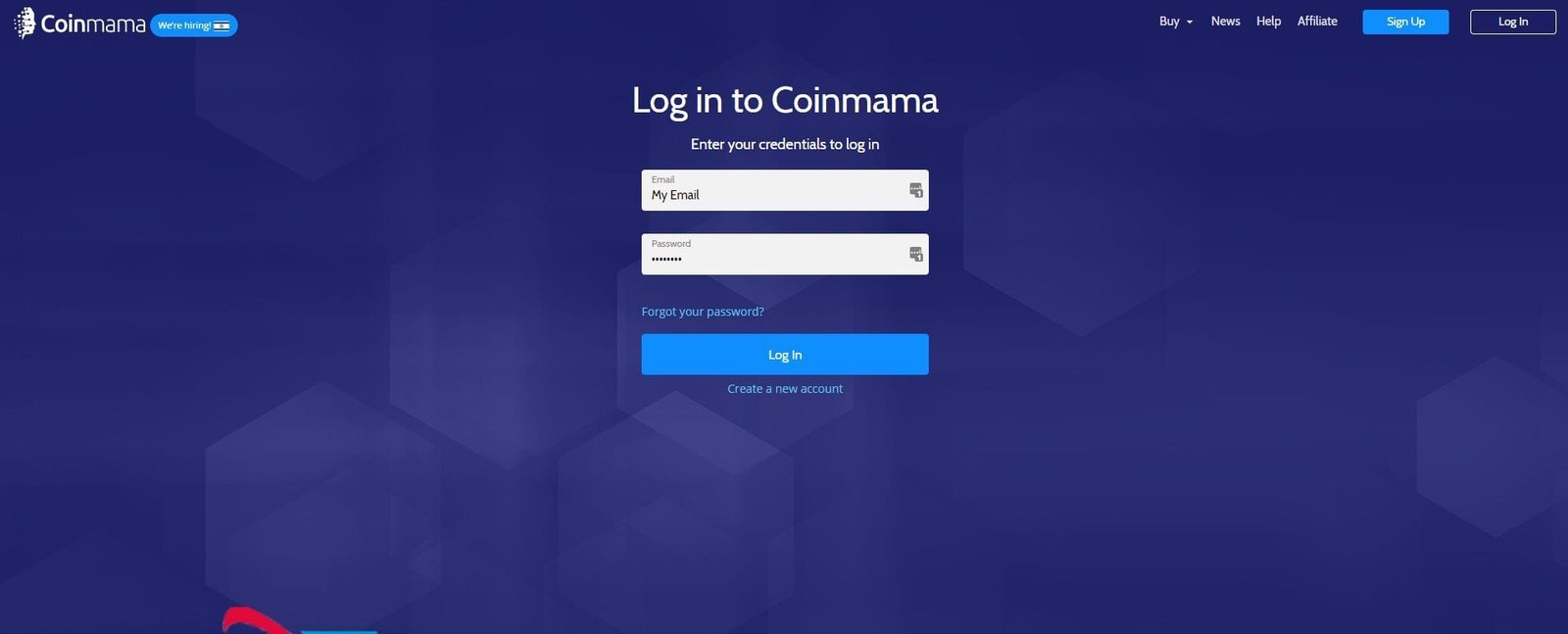
Log in to your account
Verify your identity
Enter all your personal details in the fields below and save them.
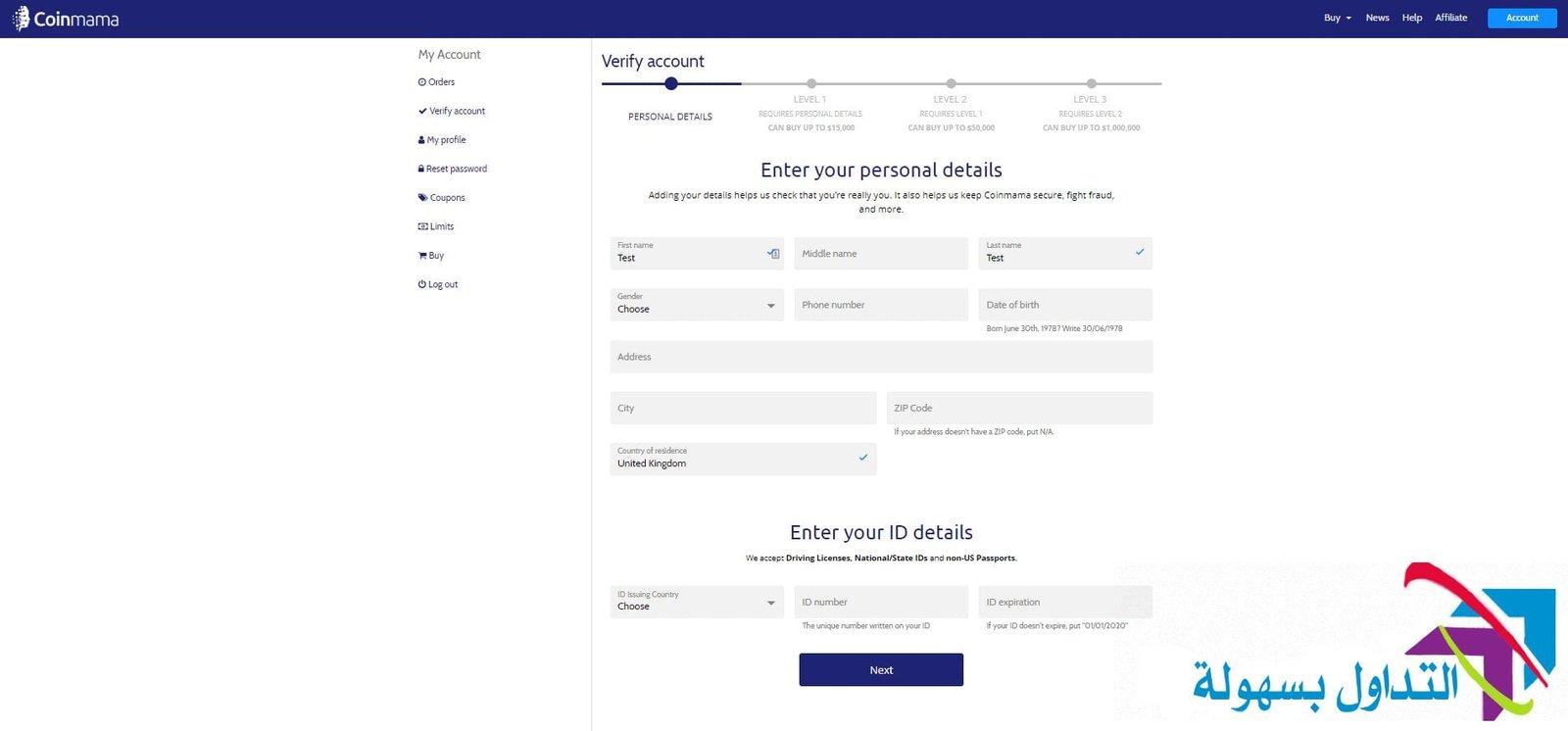
Upload and verify your identity

Choose your payment method
You can use a credit or debit card.
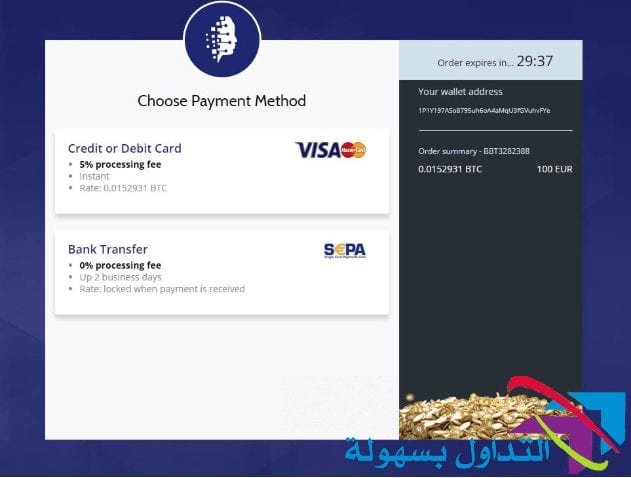
You’ll notice that CoinMama charges 5% when you pay by credit card, while a bank transfer isn’t charged any fee.
Choose the amount of Bitcoin to buy
You can also buy other coins.

Enter your Bitcoin wallet address
Your bitcoins will be sent here once your payment is complete.

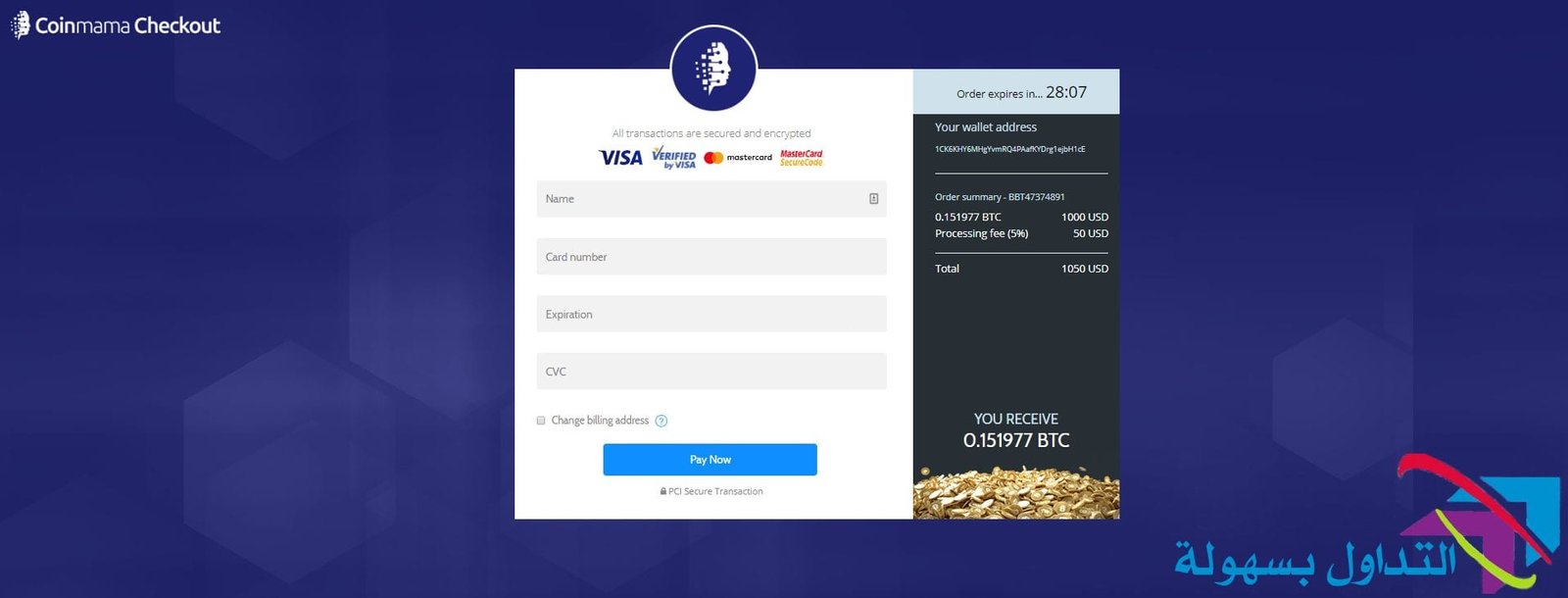
Enter your card details
Enter your credit card or prepaid card details.
Buy Bitcoin Through CEX.io
You can buy Bitcoin from the official site of CEX.io, which is well known, highly credible, and charges a low commission compared with other Bitcoin platforms.
CEX.io lets you buy a smooth, varied range of valuable coins, unlike CoinMama, which offers only two coins: Bitcoin and Ethereum.
Open an Account on CEX.io
Sign up for a CEX.io account
Go to cex.io and click the register button in the top-right corner.
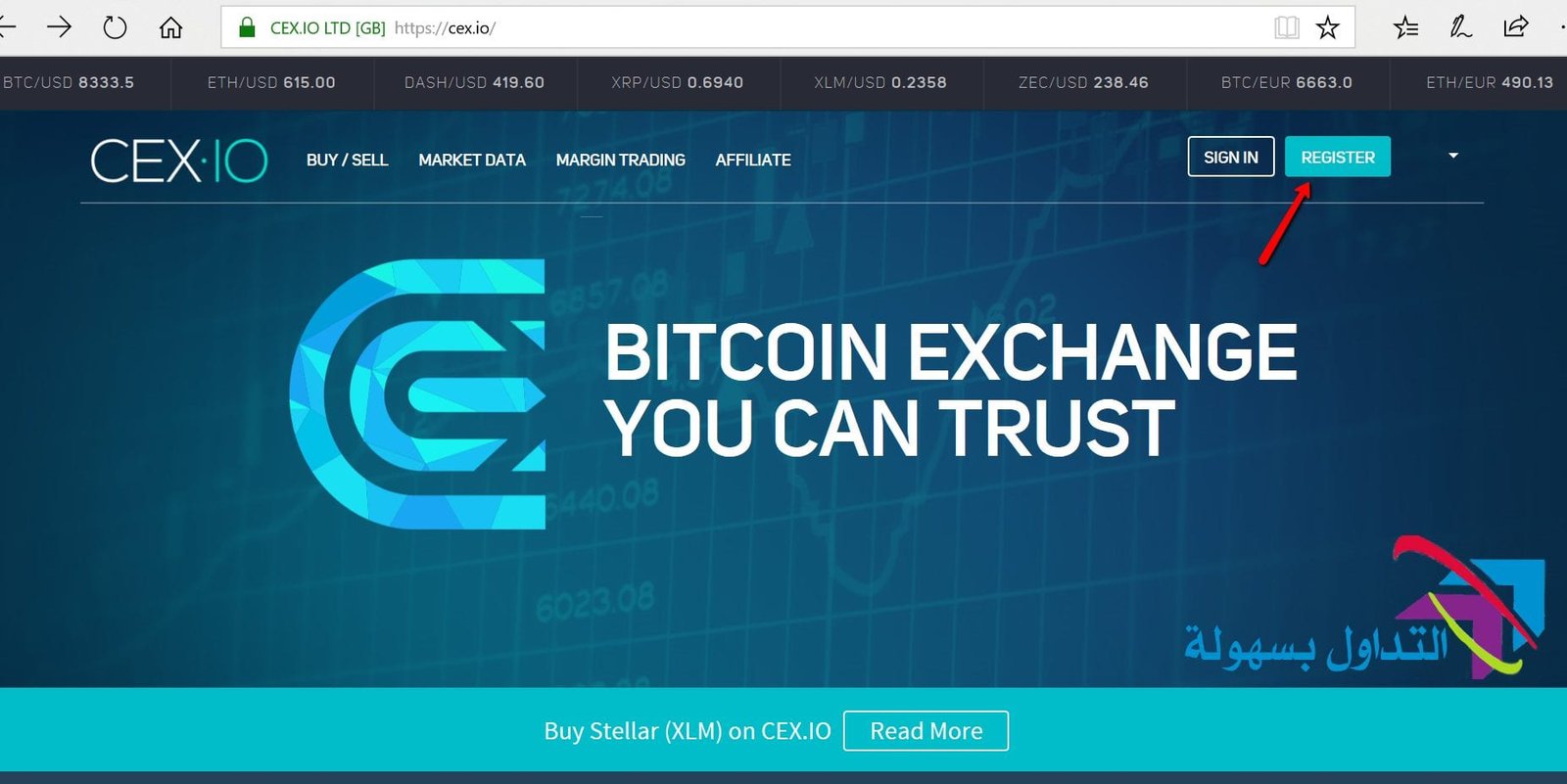
You can register with your email address or sign in with social media (Facebook, Google, VK, Github), but using your email address is best.
Great — you’ve successfully created an account on CEX.io.
Confirm your CEX.io account by email
Once you register, your account is activated. You have 24 hours to confirm the email address you just received:
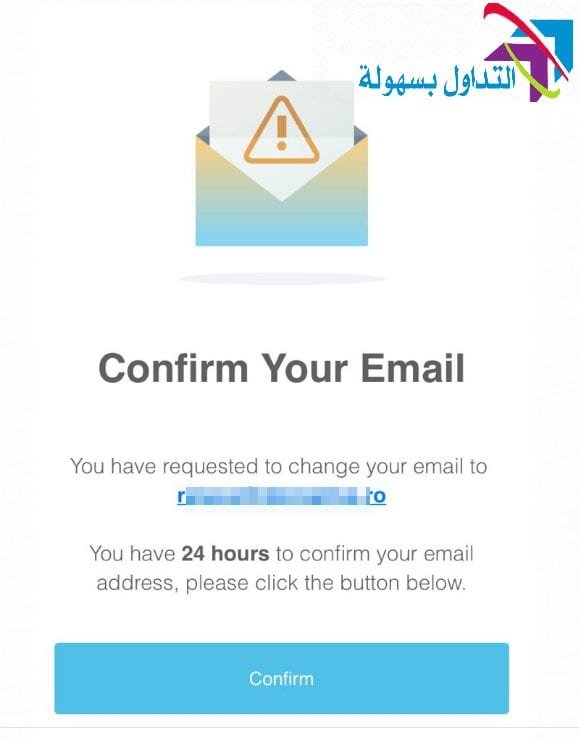
Excellent — your CEX.io email has been confirmed.

Get verified on CEX.io
The next step is to go to Verification in the top-right corner, under your user ID.

Click Start Verification and complete all the required steps.
- Identity information
- Personal information
- Addresses
- Document scans
Complete the identity information according to the fields shown.

Make sure the data is correct, matches your documents, and is in English.
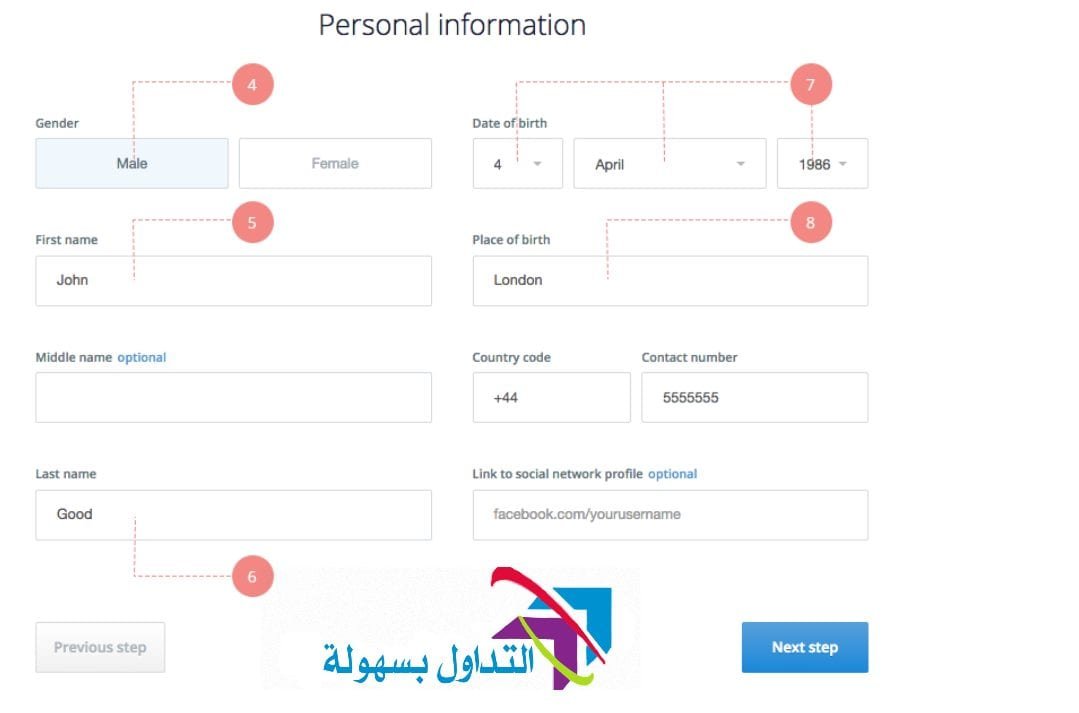
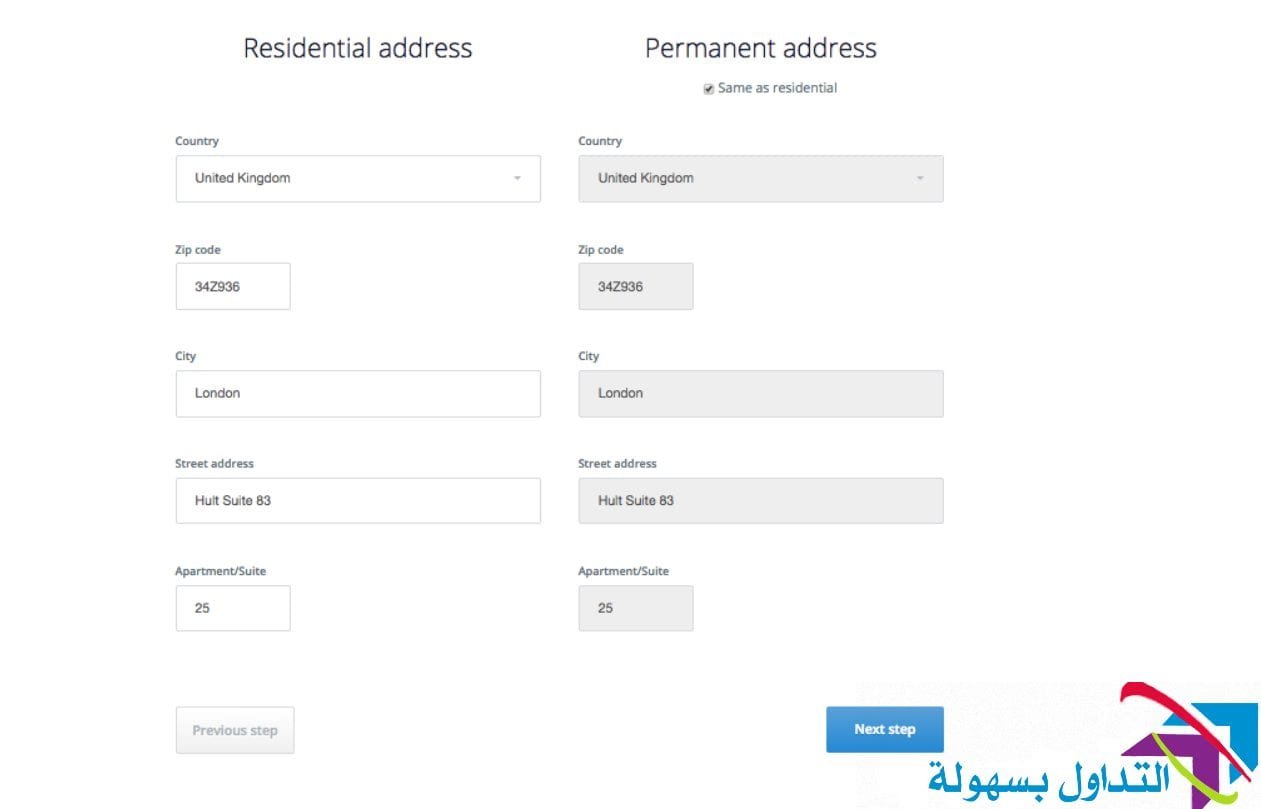
Your residential address is your current address (where you live now), and your permanent address should be the same billing address used for official correspondence.
You then need to upload photos/scans of the document that supports the information you provided in the previous steps. Make sure the photos/scans meet the following requirements:
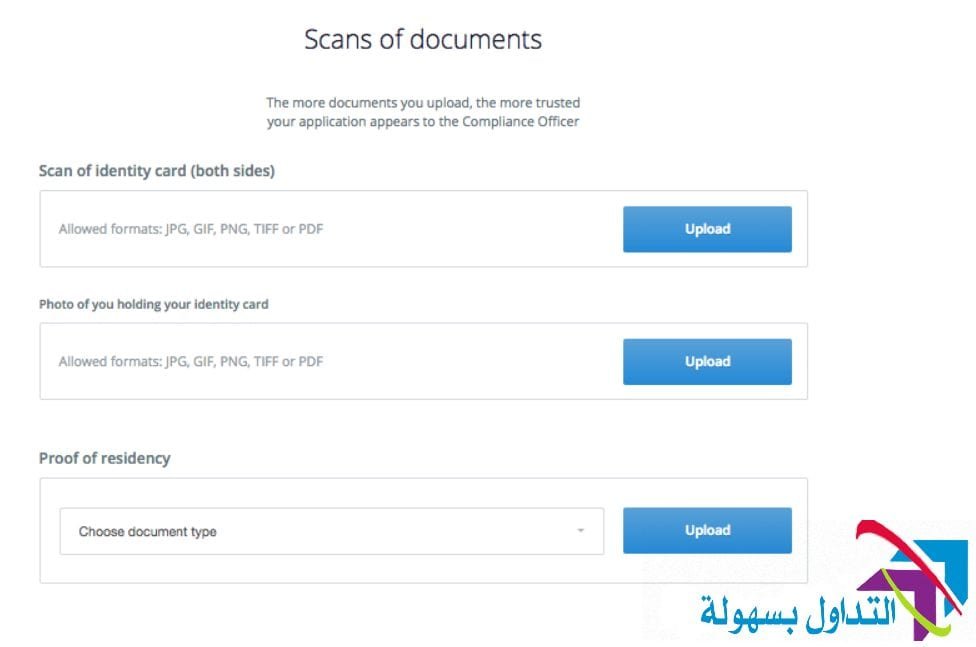
The identity document you provide can be:
- National ID card (both sides)
- International passport (main page)
- Driver’s license (both sides)
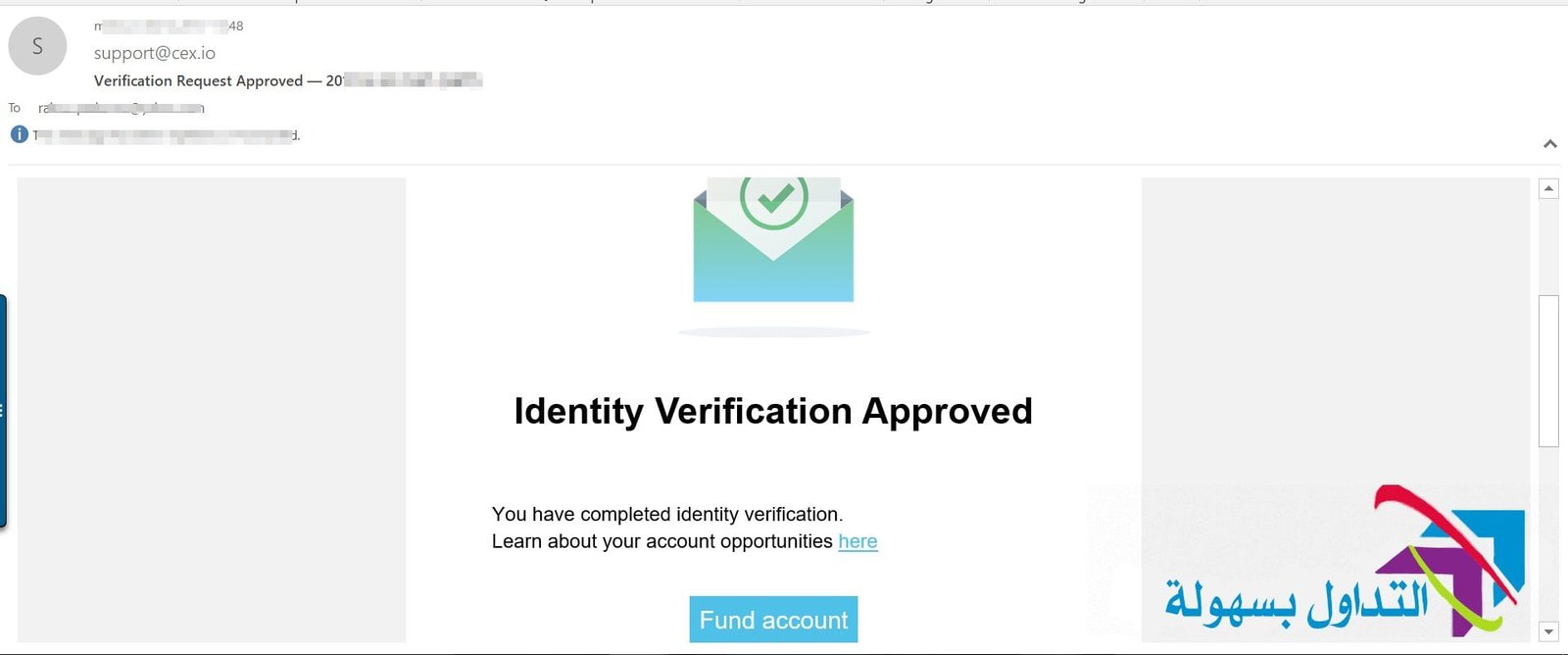
Great — you’ve verified your identity on CEX.io.
Fund your account to buy Bitcoin
You can now fund your account and buy Bitcoin easily. Choose one of the following:
- Buy Bitcoin directly using a Visa or Mastercard
- Deposit funds into the account and place the purchase.

If you choose to deposit, you again have 3 options available to buy:
- Payment card
- Bank transfer
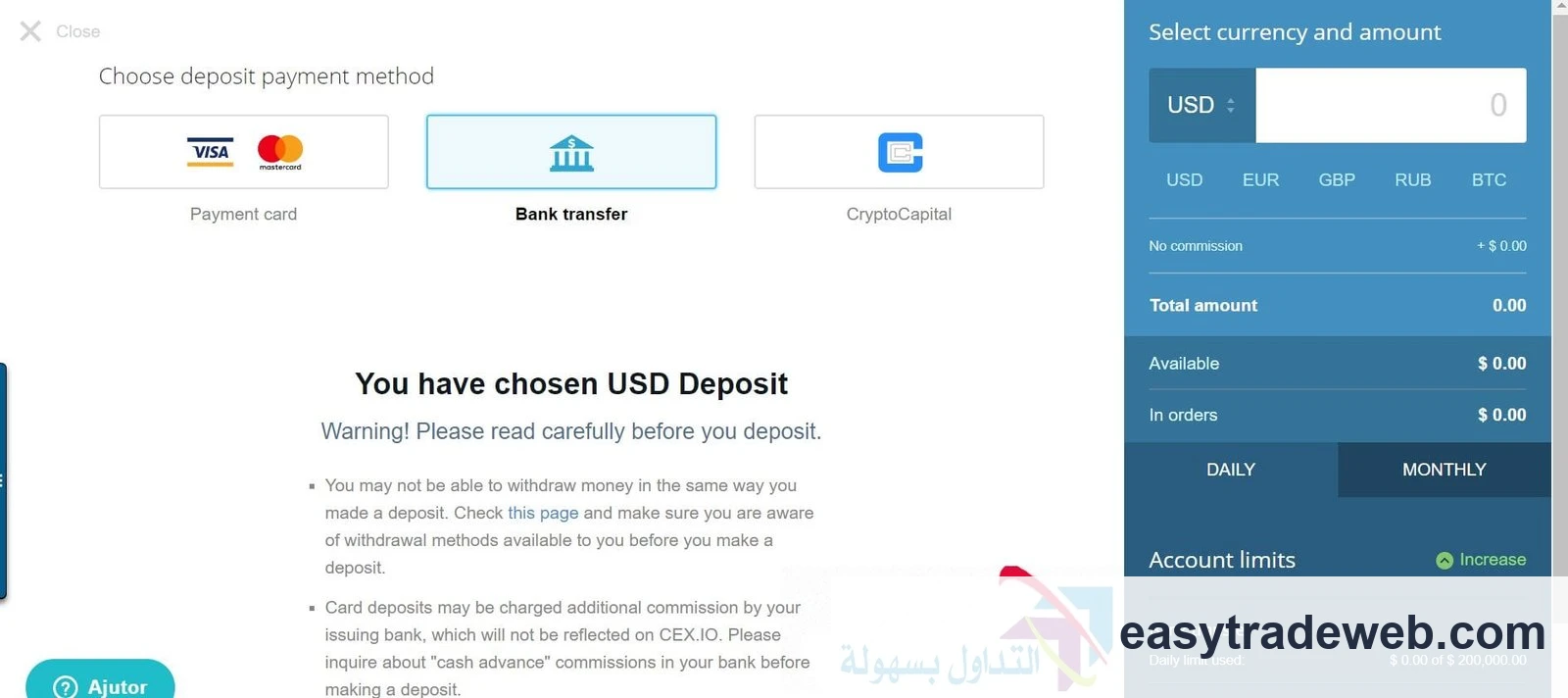
If you choose to fund your account with a card, you’ll need to enter the card details. Note that you can only fund your account with your own personal card, not third-party cards.

Fill in the credit card details.

You’ve now bought Bitcoin in your CEX.io account.
I chose two platforms that serve users worldwide to explain as best I can. Some platforms serve the European Union, and some serve only the United States. Buying Bitcoin has become simple, and you can later sell Bitcoin and withdraw your money in cash after keeping it in your wallet.
Note: People living in Egypt can buy Bitcoin with Vodafone Cash through the Binance platform.
Read more:
- How to buy Bitcoin: methods explained
- A site that supports most e-banks for buying Bitcoin
- How to use VirWoX to buy Bitcoin
Frequently Asked Questions
How are currencies bought and sold?
Currencies are bought and sold just like other goods, in markets called foreign exchange markets. The three most common currency pairs in the world are the dollar/euro (30%), the dollar/yen (20%), and the dollar/pound sterling (12%).
How can you convert Bitcoin into cash?
There are two main ways to convert Bitcoin into cash and eventually move it to a bank account. First, you can use a third-party broker. These third parties (which include Bitcoin ATMs and debit cards) will exchange your bitcoins for cash at a set rate. It’s simple and secure.
Are there scams in Bitcoin?
Signs of Bitcoin scams include excessive marketing and claims that you’ll make a lot of money quickly. You can contact various federal regulatory agencies and your crypto exchange if you suspect you’re the victim of a Bitcoin scam.
How does buying Bitcoin work?
You can buy Bitcoin from the Bitcoin.com website using your credit/debit card or another payment method (Apple Pay, Google Pay, etc.). When you buy Bitcoin from a website, you’ll need to specify where to receive it. That means you’ll need to enter your Bitcoin “address” when prompted.
How do you buy Bitcoin with a Visa card?
Buying Bitcoin with a debit card through a crypto exchange:
- Create an account.
- Go to Settings > Payment Methods and click Add Payment Method.
- Add your debit card.
- Confirm your debit card.
- Go to Buy/Sell and choose the amount of Bitcoin you want to buy.